Christine Ferguson
My experience with you was fantastic and easy to navigate. I'm looking forward to taking the course.
 Lifetime Access
Google Data Studio Overview The Google Data Studio course is designed to provide aspiring data analysts, business intelligence…
Access to 1500+ Courses with free CPD Certificates for Only £99 Get Now
The Google Data Studio course is designed to provide aspiring data analysts, business intelligence professionals, marketers, and business owners with comprehensive knowledge and hands-on skills to create powerful, dynamic reports and dashboards. Google Data Studio is Google’s premier free data visualization tool that allows you to connect, visualize, and share data from multiple sources. Throughout this course, you will acquire the expertise to transform raw data into meaningful insights through compelling visuals, interactive charts, and shareable dashboards, ultimately enabling you to drive better decision-making in your organization.
By the end of the course, you will be well-equipped to work with various data sources, design tailored reports, utilize advanced functions, and deploy actionable dashboards that can be shared securely with stakeholders.
This in-depth course covers the fundamental and advanced aspects of Google Data Studio. Whether you are completely new to data visualization or looking to enhance your reporting skills, this program offers a step-by-step approach to mastering the platform.
You will begin by understanding the core principles of data visualization and why it is critical in today’s data-driven world. Next, you will explore the Data Studio interface, learning to navigate and customize its dashboard. The course quickly moves from foundational concepts to practical, hands-on exercises. You will learn how to connect Data Studio with Google Sheets, Google Analytics, BigQuery, and a variety of other third-party connectors.
The curriculum includes lessons on creating interactive charts, pie charts, bar graphs, tables, maps, and scorecards, allowing you to present information in the most effective way for your audience. You will explore calculated fields, filters, date range controls, and data blending techniques to create rich analytics tailored to specific business requirements.
Additionally, you will gain skills in report customization, including theming, branding, and applying best practices for layout and design. The course concludes with modules on sharing and collaborating within Google Data Studio, ensuring data privacy, and automating the generation and delivery of reports.
Mastering Google Data Studio opens doors to a wide array of career opportunities in any industry that values data-driven decision making. As organizations of all sizes increasingly recognize the importance of insightful data visualizations, the demand for professionals skilled in tools like Data Studio continues to rise. This course is especially valuable for those pursuing the following roles:
Skills acquired in this course can also be leveraged for roles in consulting, project management, ecommerce, academia, healthcare analytics, and beyond. The ability to visualize and communicate data is a critical asset in today’s job market and can lead to greater impact and advancement in your career.
This course is suitable for a broad spectrum of learners who are interested in harnessing the power of data visualization. Ideal candidates include:
No prior experience with Google Data Studio is required. The course caters to all learning levels and is particularly designed for those with an appetite for learning new technology and improving their data storytelling abilities.
All course materials, templates, datasets, and resources will be provided. You will leave the course with portfolio-ready dashboards and reports to showcase your new skills to employers or clients.
My experience with you was fantastic and easy to navigate. I'm looking forward to taking the course.
Provided highly informative and helpful responses, with quick and efficient replies.
The course selection is broad, engaging, easy to follow, and offers a good challenge.
Excellent course with user-friendly website navigation, making it easy to follow. I'm really enjoying the experience.
Great course with valuable information. Easy to follow, and I appreciated the flexibility to work at my own pace.



Once you complete your purchase, you’ll receive access to your course through your Upskilling Academy account. You can log in and access your learning materials online at any time.
Your access period depends on the course and the package you purchase. Please check the course details or your order information for the applicable access period.
Yes. Upskilling Academy courses are designed to provide flexible online learning, allowing you to study at a pace that suits your schedule.
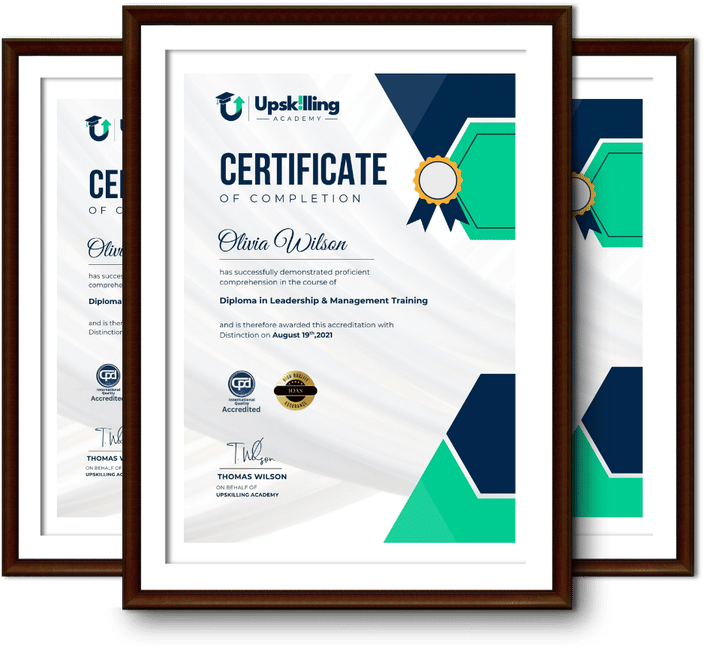
Certificate availability varies by course. Where a certificate is included, you’ll receive information about the requirements and how to obtain it within the course or upon completion.
Many courses are suitable for beginners, while others may assume some previous knowledge. Please review the individual course description for information about the recommended level and prerequisites.